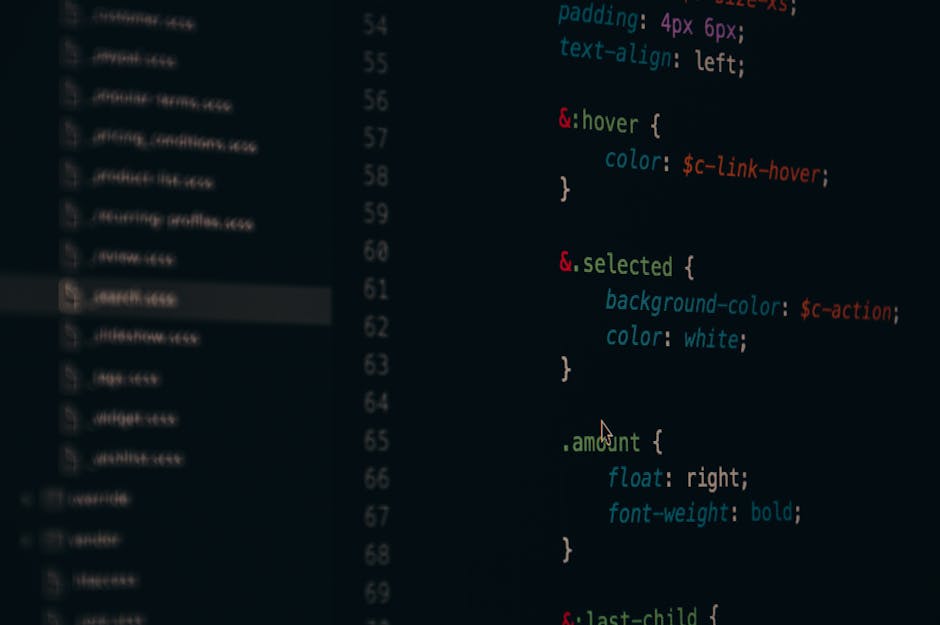
A CSS to SCSS converter is a developer tool that automatically transforms traditional CSS stylesheets into SCSS (Sass) format, enabling use of variables, mixins, nesting, and other preprocessor features. This modernizes your stylesheets while maintaining functionality and improving maintainability. (Related: GitHub Essentials for Developers: Common Questions Answered) (Related: Base64 Encoder: The Complete Guide to Encoding, Decoding, and Real-World Use Cases) (Related: The Best Regex Tester Online: A Complete Guide for Developers in 2026) (Related: GPT-5.1 API Integration Guide: How Developers Can Leverage OpenAI’s Latest Model) (Related: Hash Generator Online: MD5, SHA-256 & Beyond Explained) (Related: The Complete User Agent Parser Guide for Developers in 2026)
What is a CSS to SCSS Converter?
A CSS to SCSS converter is a utility that reads standard CSS syntax and restructures it into valid SCSS. This means your flat, repetitive CSS selectors get reorganized into nested rules, repeated values become reusable variables, and your overall stylesheet becomes dramatically easier to manage at scale.
SCSS (Sassy CSS) is a superset of CSS, meaning every valid CSS file is technically valid SCSS. However, simply renaming a .css file to .scss doesn’t take advantage of what SCSS actually offers. A proper SCSS stylesheet converter tool goes further — it analyzes patterns in your existing code and restructures them to leverage the full power of the preprocessor.
Here’s what a good converter typically handles:
- Variable extraction: Repeated color codes, font sizes, and spacing values become
$variables - Selector nesting: Related rules like
.cardand.card-titleget nested inside a parent block - Mixin generation: Repeated property groups can be abstracted into reusable
@mixinblocks - Import restructuring: Multiple CSS files can be reorganized into SCSS partials
Can I convert CSS to SCSS automatically?
Yes, you can convert CSS to SCSS automatically using online tools, CLI utilities, or editor plugins. Most converters handle variable extraction and selector nesting without manual intervention. However, complex stylesheets may require a human review pass to ensure the generated SCSS is logically organized and follows your team’s architecture conventions.
How to Convert CSS to SCSS
Converting a CSS stylesheet to SCSS doesn’t have to be an all-day project. Here’s a straightforward process that works for most codebases, from small landing pages to large design systems.
Step 1: Audit your existing CSS. Before touching any tool, scan your stylesheet for patterns — repeated hex values, font stacks, box shadows, and spacing units. These are your future variables. Tools like browser DevTools can help you visualize which styles are most commonly reused.
Step 2: Run a convert CSS to SCSS online tool. Paste your stylesheet into a converter. Most tools will immediately output reformatted SCSS with variables and nesting applied. Review the output carefully before committing it to your codebase.
Step 3: Organize into partials. One of SCSS’s greatest strengths is the partial system. Break your converted output into logical files — _variables.scss, _typography.scss, _layout.scss — and use a main styles.scss to import them all.
Step 4: Set up your compiler. SCSS must be compiled back to CSS before the browser can use it. Options include the Sass CLI, Webpack’s sass-loader, Vite’s built-in Sass support, or PostCSS pipelines. For most modern projects, your bundler already handles this.
Step 5: Test and iterate. Run your compiled output against your original CSS output. Visual regression testing tools can automate this comparison, catching any unintended changes introduced during conversion.
Why should I convert my CSS to SCSS?
Converting to SCSS reduces redundancy, speeds up design updates, and makes large stylesheets easier to maintain. If your current CSS has repeated color values, deeply duplicated selectors, or fragile overrides, SCSS solves all three problems directly. Teams working on component-based frameworks like React or Vue especially benefit from SCSS’s modular architecture.
Benefits of Converting to SCSS
The decision to modernize CSS with SCSS pays dividends quickly, especially on projects with multiple contributors or long maintenance cycles.
Single source of truth for design tokens. Instead of hunting through thousands of lines to update a brand color, you change one variable. That change propagates everywhere instantly. This alone justifies the migration for most teams.
Cleaner, readable code. Nesting mirrors your HTML structure, making stylesheets dramatically easier to reason about. A developer new to a project can understand the visual hierarchy just by reading the SCSS structure.
Reusable patterns via mixins. Responsive breakpoints, flexbox patterns, and button states can all be abstracted into mixins. This reduces copy-paste errors and enforces consistency across your UI without requiring a full design system.
Better collaboration. Splitting SCSS into partials means multiple developers can work on different sections simultaneously with minimal merge conflicts — something that’s nearly impossible with a single monolithic CSS file.
Future-proofing your workflow. Most modern CSS frameworks and design systems ship SCSS source files. Being fluent in SCSS means you can customize frameworks like Bootstrap or Bulma at the variable level rather than writing brittle overrides.
Top CSS to SCSS Converter Tools
Several reliable options exist depending on your workflow preferences:
- Online converters: Browser-based tools let you paste CSS and receive SCSS instantly. Ideal for quick one-off conversions or evaluating the process before committing. Our own CSS to SCSS converter handles variable extraction and nesting automatically.
- Sass CLI: The official Sass command-line tool includes migration utilities. Run
sass --watchon your converted files during development for real-time compilation. - VS Code extensions: Extensions like “Live Sass Compiler” compile SCSS on save directly in your editor, eliminating the need for a separate build step during local development.
- Build tool integrations: Webpack, Vite, Parcel, and Gulp all support SCSS compilation natively via plugins, making SCSS a natural fit in any modern JavaScript project.
If you’re also working on optimizing your overall frontend performance alongside this migration, check out our CSS minifier tool to reduce the size of your compiled output before deployment.
Best Practices for SCSS Migration
A successful migration isn’t just about running a converter — it’s about building sustainable habits for your entire team.
Define a variable naming convention early. Decide whether you’ll use semantic names ($color-primary) or functional names ($brand-blue) and stick with it. Inconsistent naming creates confusion that compounds over time.
Don’t over-nest. A common mistake after migrating is creating deeply nested selectors that compile into overly specific CSS. Limit nesting to three levels maximum to maintain clean, performant output.
Use @use instead of @import. The older @import rule is deprecated in modern Sass. Use the @use and @forward directives to manage dependencies between partials cleanly and avoid namespace collisions.
Document your variables. Add comments to your _variables.scss file explaining what each token controls. This is especially valuable for design handoff or onboarding new team members.
For teams
- Visual Studio Code with Sass Extension — Essential IDE for developers working with SCSS conversion and development. VSCode with Sass extensions streamlines the workflow for converting and managing SCSS files.
- Sass/SCSS Comprehensive Tutorial Course (Udemy) — Developers converting CSS to SCSS benefit from structured learning resources to maximize preprocessor features like variables, mixins, and nesting mentioned in the post.
- Premium Code Editor Keyboard – Mechanical Keyboard — Developers performing repetitive CSS-to-SCSS conversions benefit from ergonomic tools to reduce strain during extended coding sessions.
Related: CSS to SCSS Converter: The Complete 2026 Guide to Modernize Your Stylesheets