Code snippet sharing platforms let developers collaborate securely by storing, organizing, and sharing code with syntax highlighting and automatic expiration controls. These tools improve team communication, reduce security risks through expiring links, and provide clean formatting for better code readability during reviews and knowledge sharing. (Related: Levenshtein Distance Calculator: Measure String Similarity) (Related: Date Duration Calculator: Find Time Differences for Developers) (Related: RSA Key Generator: Public and Private Key Pairs for Beginners) (Related: How GitHub Copilot and AI Coding Agents Are Transforming Developer Workflows: A Practical Guide for Web Developers) (Related: 7 Essential Diff Checker Tools for Comparing Code Files in 2026) (Related: 5 Ways to Master UNIX Timestamp Conversion in 2026) (Related: Deno 2.8 New Features and How to Upgrade Your Development Workflow) (Related: 5 Essential YAML to JSON Converter Tools in 2026) (Related: 3 Essential JSONL Validator Techniques for 2026)
Understanding Syntax Highlighting in Code Sharing
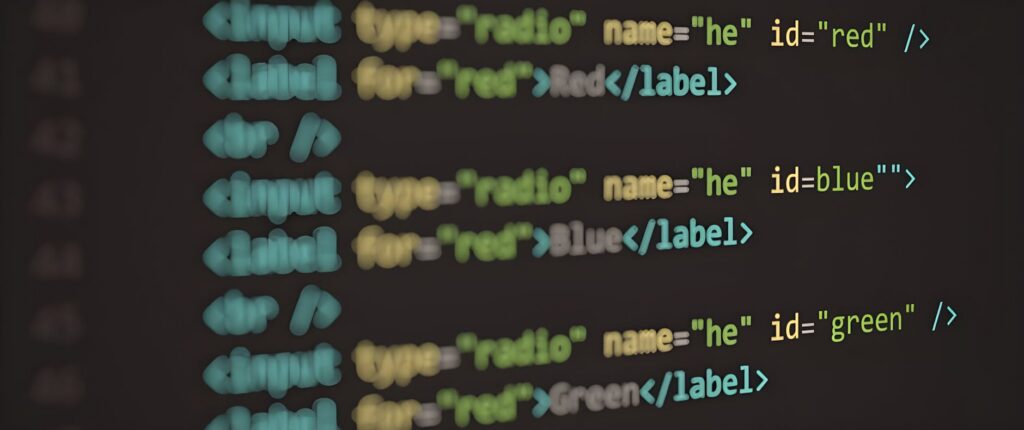
Syntax highlighting is a fundamental feature that colors different code elements—keywords, variables, strings, and comments—based on their language rules. When sharing code snippets, proper syntax highlighting makes the code immediately readable and helps prevent errors that might occur when viewing plain text.
Modern code snippet sharing tools support dozens of programming languages including Python, JavaScript, Java, C++, PHP, Ruby, Go, Rust, and many others. Each language has its own highlighting rules that follow standard conventions recognized by developers worldwide.
The benefits of syntax highlighting extend beyond aesthetics. It improves code comprehension during team reviews, makes logical errors more visible, and creates consistency across documentation. When reviewing code snippets with proper highlighting, developers spend less time parsing the structure and more time analyzing logic and functionality.
Advanced platforms also include theme options—dark mode for low-light environments and light mode for printed documentation. Some tools allow custom themes, letting teams maintain brand consistency or accessibility preferences across all shared code.
Security Through Code Expiry and Access Controls
Code expiry options add a critical security layer to snippet sharing. Rather than leaving sensitive code accessible indefinitely, you can set automatic deletion timelines—from one hour to 30 days—ensuring temporary access only.
This feature proves invaluable when sharing code containing API keys, database credentials, authentication tokens, or other sensitive data. Instead of manually deleting snippets or worrying about accidental leaks, the system handles expiration automatically. This approach significantly reduces the attack surface for security researchers, contractors, or temporary collaborators.
Beyond expiration times, quality snippet-sharing platforms offer additional security controls including password protection for individual snippets, view-once options that delete after first access, and IP-based restrictions. Some services provide burn-after-reading functionality—once accessed, the snippet automatically deletes, preventing any possibility of future unauthorized access.
Teams handling sensitive information should implement expiry policies across all shared code. Setting a default expiration time of 7-14 days balances accessibility with security, giving team members adequate time to reference code while ensuring it doesn’t remain available indefinitely.
Best Practices for Organizing Shared Code Snippets
Effective code sharing requires organization beyond just uploading snippets. Implementing a naming convention helps locate code quickly. Use descriptive names that include the language, function, and purpose—for example, “python-email-validation-regex” rather than “code1”.
Categorize snippets by project, language, or function type. Most modern tools include tagging and folder organization features. Create categories like “authentication,” “database-queries,” “utility-functions,” and “configuration-examples” to maintain searchability as your snippet library grows.
Document your snippets effectively. Include comments explaining the code’s purpose, any dependencies required, and usage examples. Add context about when and why to use a particular snippet. This metadata becomes invaluable when colleagues return to snippets months later without clear memory of their purpose.
Version control matters for shared code. Track which version colleagues are reviewing by including version numbers in snippets or using version-control features built into your sharing platform. This prevents confusion when code evolves and ensures everyone references the same implementation.
Set team standards for expiry times. Not every snippet requires the same expiration period. Temporary debugging snippets might expire in 24 hours, while reusable utility functions might remain available for 90 days. Creating tiered expiry policies helps manage security while maintaining practical accessibility.
How to Use Code Snippet Sharing Tools Effectively
Before diving into code sharing, you should understand what metrics matter for your use case. Our Dev Utility Calculator helps you determine optimal sharing policies by calculating ideal expiry periods based on team size, project sensitivity, and collaboration frequency. This data-driven approach ensures your sharing practices balance security with practical accessibility.
Start by selecting the right platform for your needs. Evaluate features including language support breadth, syntax highlighting quality, available security options, and team collaboration features. Test the platform with non-sensitive code before handling proprietary content.
Create templates for frequently-shared code types. If you regularly share API response examples, database query patterns, or authentication flows, create standardized templates with pre-formatted structure. This saves time and ensures consistency across your team’s shared code library.
Implement clear communication around expiry settings. Document why certain snippets expire quickly and others persist longer. This prevents frustration when team members can’t access expired code they assumed would remain available.
Frequently Asked Questions
Can I recover a code snippet after it expires?
Most platforms don’t retain expired snippets, making recovery impossible. However, quality tools provide warning notifications before expiration. Best practice involves archiving important snippets to version control systems before expiration. If you frequently need specific snippets, consider storing them permanently in your codebase or documentation rather than relying on temporary sharing tools.
What happens if multiple team members access the same snippet?
Properly designed platforms track multiple access instances without removing the snippet until expiration. However, if you enable “burn-after-reading” or “view-once” features, the snippet deletes after the first access regardless of how many users intended to review it. Reserve these settings for highly sensitive snippets and communicate the access restrictions clearly to prevent frustration.
Which programming languages offer the best syntax highlighting support?
Popular languages like JavaScript, Python, Java, and C++ have excellent highlighting support across virtually all platforms. Less common languages might have limited or inconsistent highlighting. If your team uses niche or domain-specific languages, verify platform support before adopting it. Many platforms allow community contributions for new language definitions, expanding support over time.